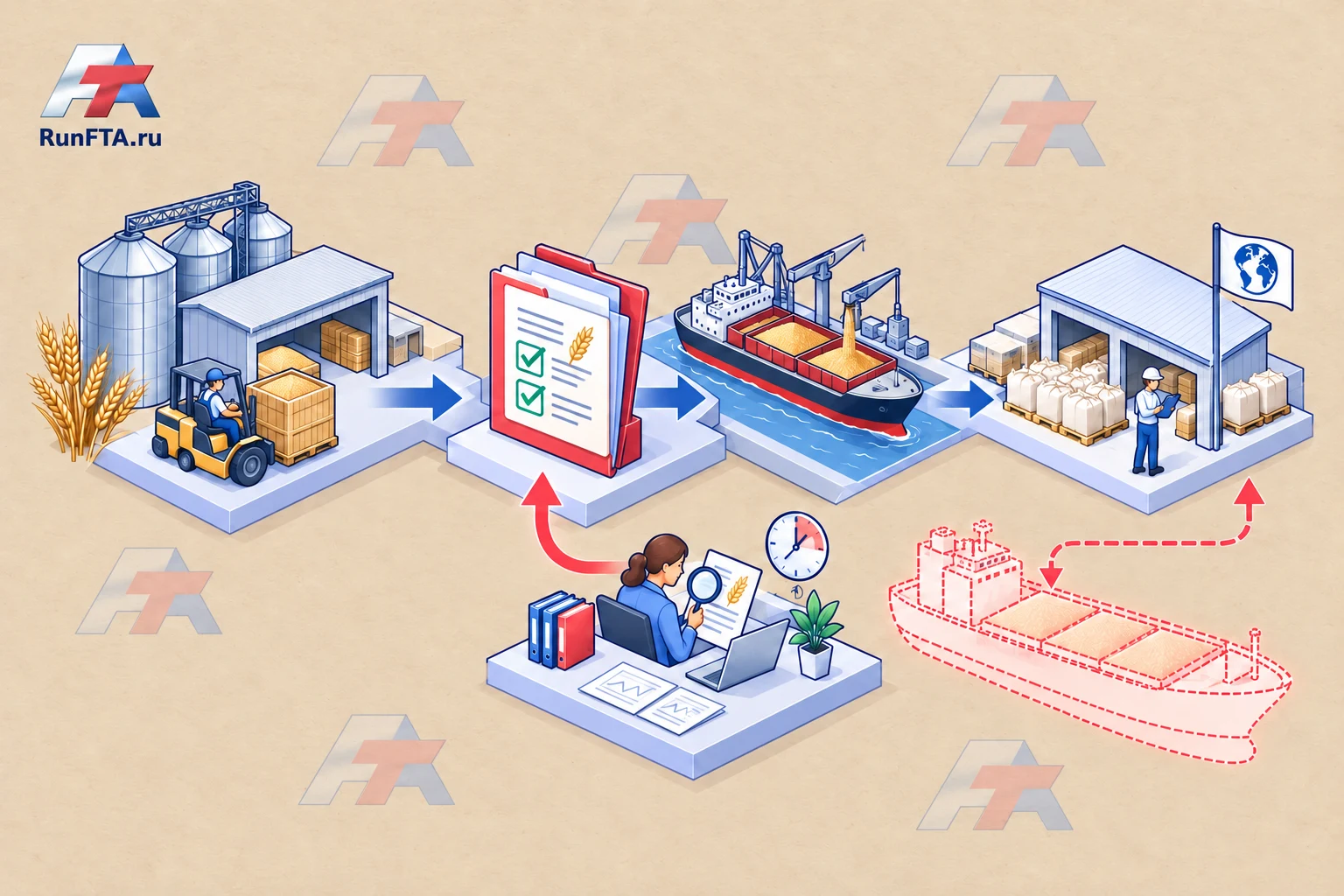
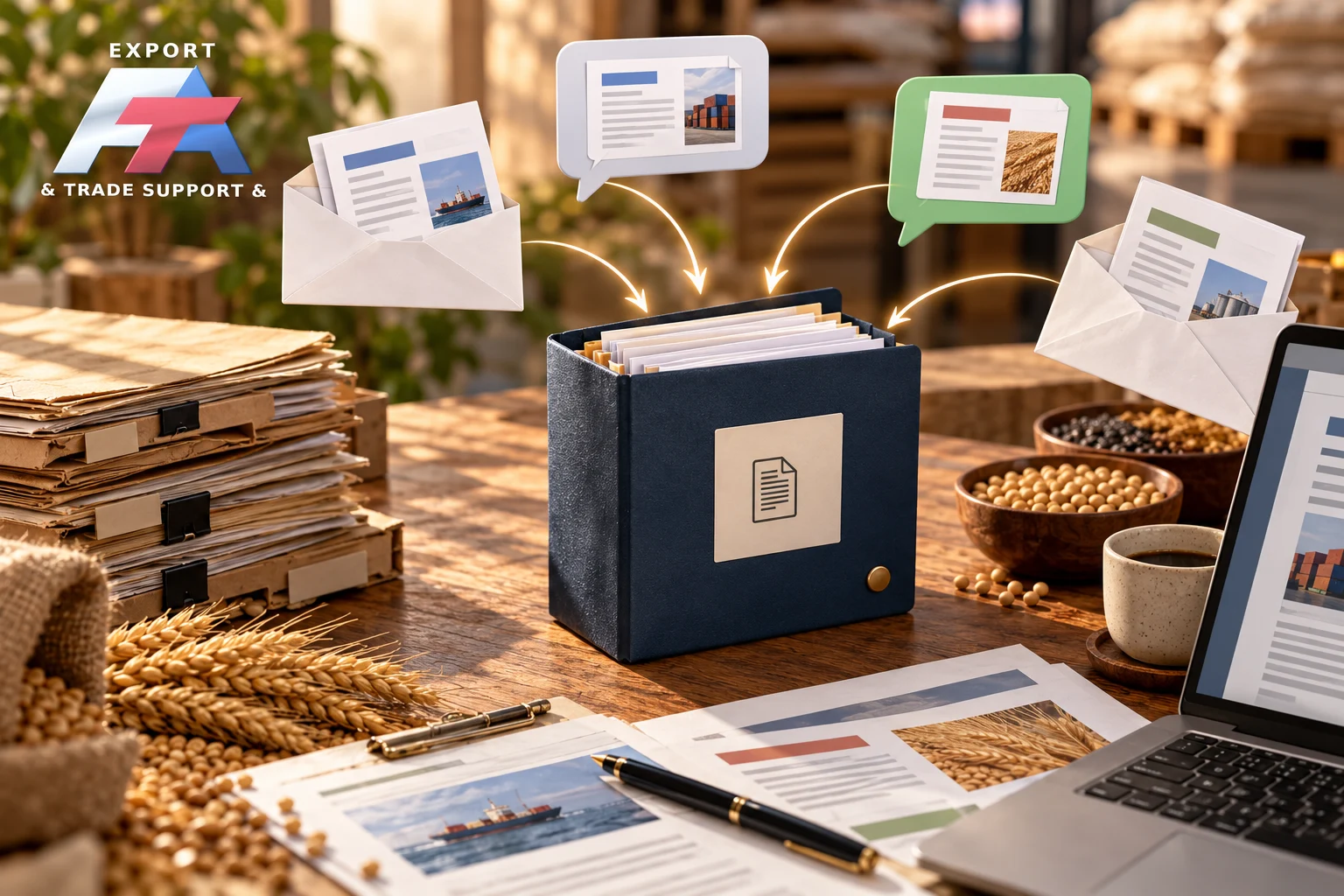
The ‘final’ file doesn’t explain what has been agreed upon
An amended invoice is in the messenger, the previous specification is in the email, and both versions in the shared folder are labelled as final.
The next participant selects a file based on the upload date, even though this doesn’t confirm the agreement.
We need a single clear source for the current version and a change history.
This is an internal work procedure; it doesn’t determine the legal force of an electronic signature and doesn’t replace the official procedure for correcting issued documents.
Let’s discuss the foreign trade team’s work in your company
I’ll help you analyse your situation: a file from old correspondence is being used in work, even though the correction has already been agreed upon.
We’ll discuss solving this and related foreign trade tasks in your company, the distribution of responsibilities, and next steps.
We’ll agree on the scope of support before starting the work.
Separate the file status from its location
For a document, specify the shipment, type, edition number, owner, status, and confirmation of agreement.
Minimum statuses: draft, under review, agreed, cancelled.
A file in the correct folder doesn’t automatically become agreed upon.
When making changes, preserve the rationale and a list of affected participants.
The new edition gets its own number; the previous one remains in the history with a cancellation mark.
In messages, share a link to the current source and an explanation of the change, rather than another copy without context.
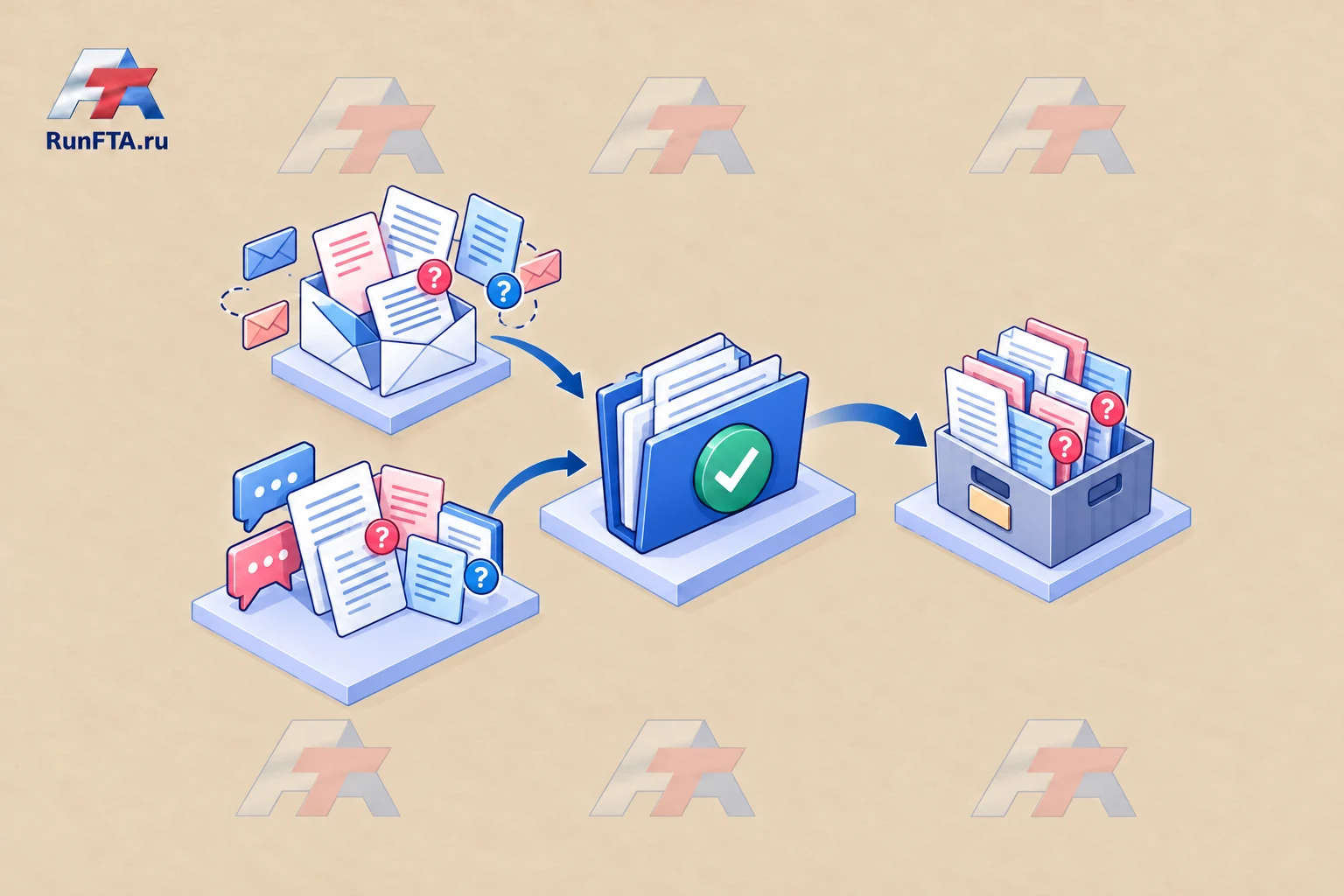
Registry of current editions
All designations are for illustration.
| Field | Educational entry | What it explains |
|---|---|---|
| Document | Batch specification P | Which product it relates to |
| Edition | B | Which version we’re checking |
| Status | Under agreement | Whether it can be used as approved |
| Rationale | Packaging changed | Why the correction is needed |
| Owner | Appointed coordinator | Who updates the entry |
| Confirmation | Link to participants’ response | What closes the agreement |
If there’s no confirmation, don’t upgrade the status just because the deadline is approaching.
If an incorrect version is sent, record the recipients and agree on the correction with the document owners.
What to do with copies and official documents
Don’t delete the history needed to understand the decision made.
Limit the use of cancelled files with clear labelling and access to the current version.
Check that the external participant has received the replacement if an old copy was sent to them earlier.
The internal edition number doesn’t give the right to change a document issued by a bank, carrier, or authorised body.
The possibility and procedure for changes should be clarified with the relevant party.
ISO principles help organise the process but don’t make this template a certified procedure.
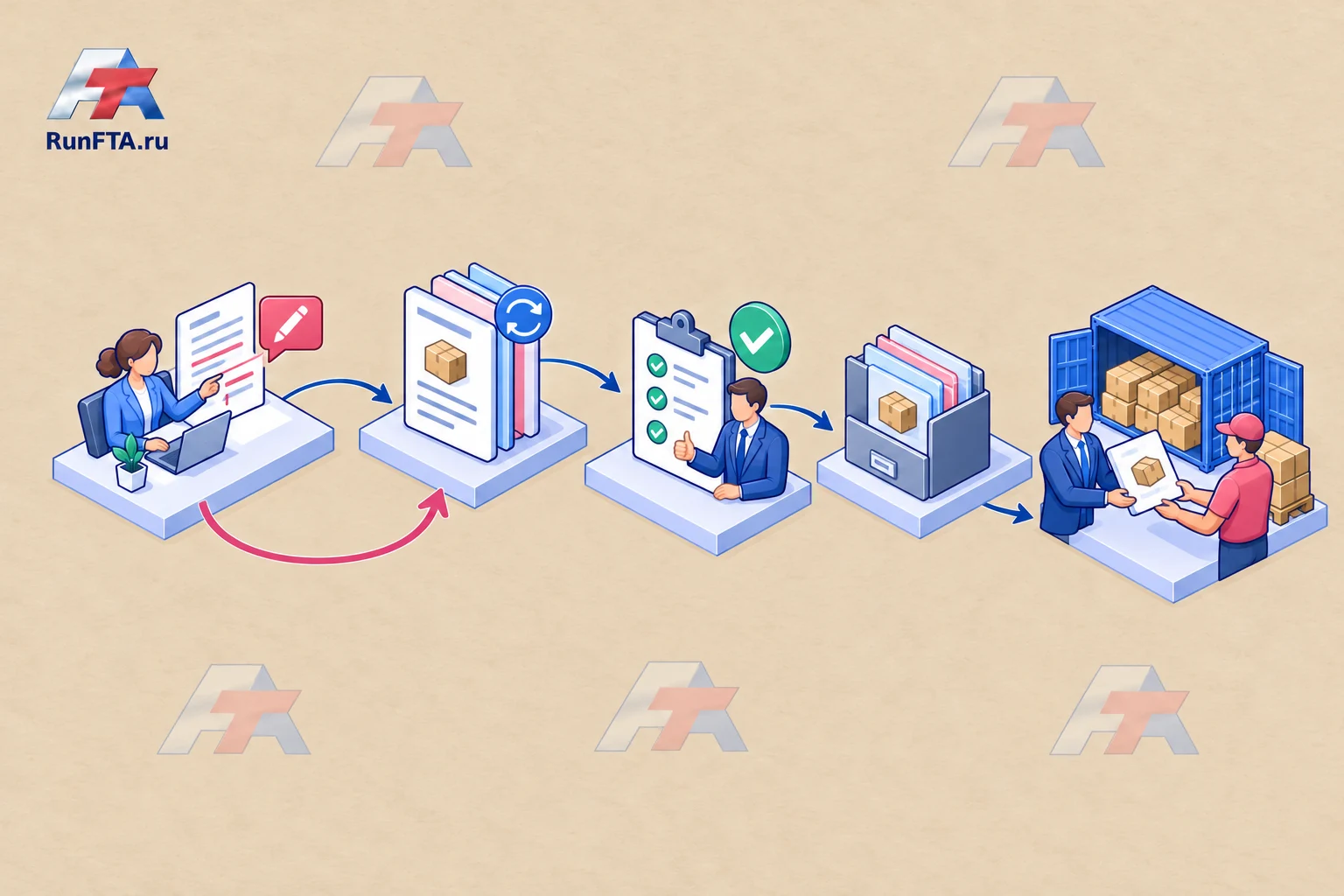
Test searching without the author’s help
Select a document and ask a colleague to find the current edition, the rationale for the change, and the confirmation.
If a call to the author is needed to answer, add the missing link.
The general registry of shipment documents can store these links.
When shipping next time, check not the number of saved files but the ability to unambiguously select the agreed version.
A practical management guide.
All examples are illustrative.
Check applicable requirements and terms for the specific product, country and contract.
Sources checked on 24 October 2026.